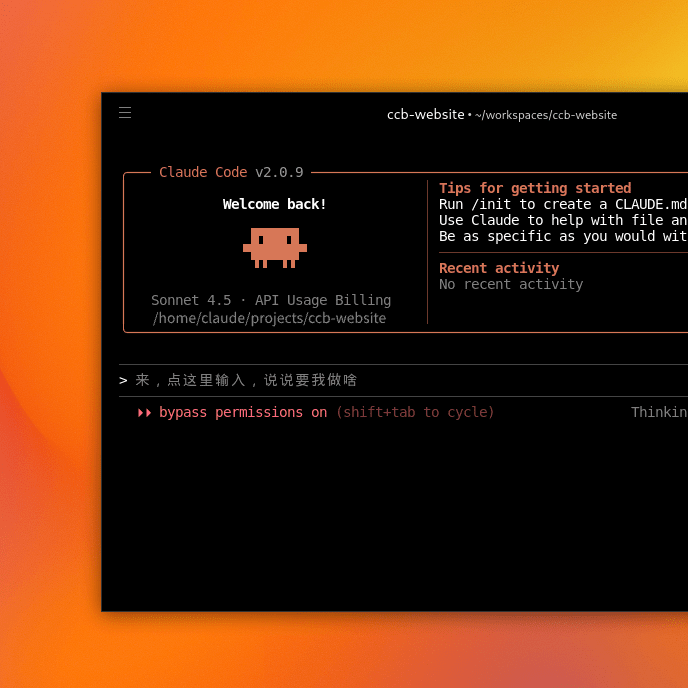
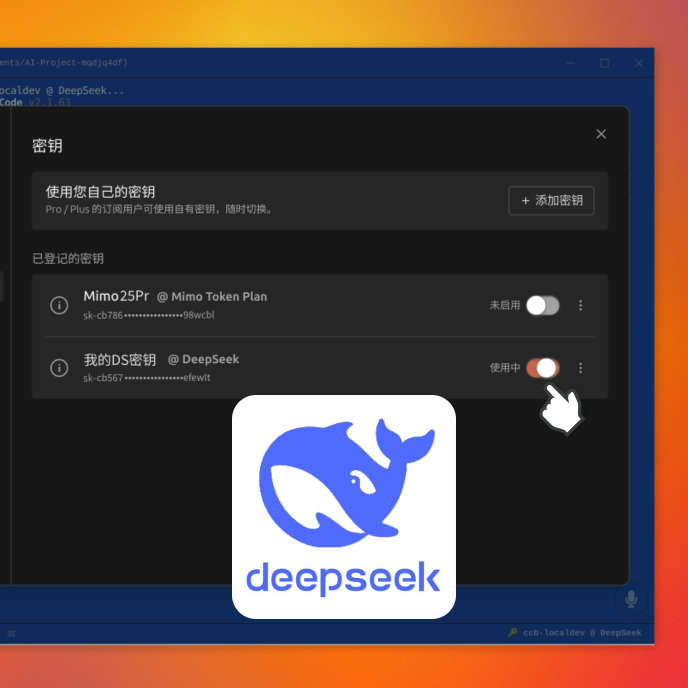
Use DeepSeek V4.1 on Claude Code — zero setup, no usage limits, 95% cheaper, and everything just works right out of the box.
Deep Code runs on DeepSeek V4 Pro, delivering the same coding power at a fraction of the cost.
| Model | Output Price (per 1M tokens) | Cost vs. DeepSeek V4 Pro | Cost vs. DeepSeek V4 Flash |
|---|---|---|---|
| Claude Fable 5 | US$50.00 | ~25× more | ~76× more |
| Claude Opus 5 | US$25.00 | ~13× more | ~38× more |
| DeepSeek V4 Pro | US$1.98 | Baseline | |
| DeepSeek-V4.1-Flash | US$0.66 | Baseline |
DeepSeek-powered pricing keeps your costs a fraction of the competition, while a full set of built-in productivity tools keeps your workflow running at full speed.
$0
per month
No credit card needed
$5
per month
We benchmarked DeepSeek V4.1 Flash by @deepseek_ai .
— OpenDesign (@OpenDesignHQ) September 9, 2026
It reached 98% of GPT-6 Astra’s score at 1.4% of the cost on everyday design tasks based on user requests.
Every model except Astra scored lower AND cost more.
Are open models overtaking closed ones?
Full results below ↘️ pic.twitter.com/l3LuC7QK6y
Deepseek V4.1 Flash WILL BE RELEASED this week
— renewable 🌏 (@goodworse) September 8, 2026
Polymarket gives a 93% chance of a September release
destroys GLM-5.3-F and Deepseek V4-F-V in 3D
native multimodality, increased performance, lower cost, and insane speed
it literally runs at 300-400 t/s
a damn cool model https://t.co/uUxc0E2jKD pic.twitter.com/c9rQgPs1br
DeepSeek V4.1 Flash just dropped, and holy shit this thing is fast,I’m getting almost 400 t/s in my video tests. The speed is honestly crazy, I’m running my own benchmark right now and I’ll share all the results once I’m done. You just need to go to the DeepSeek harness and use… pic.twitter.com/TuSgQ0kqwF
— Iam_ (@SPAC89) September 8, 2026
DeepSeek is doing something pretty unusual around Sept 10.
— Hassan (@buildwithhassan) September 9, 2026
once V4.1 Flash launches, all V4 Pro requests will be served by V4.1 Flash and billed at the cheaper Flash rate.
DeepSeek says the reason is V4.1 Flash now beats V4 Pro on performance, speed, cost and total runtime.
so… https://t.co/oAJiC9eqrw pic.twitter.com/p2b6JnX1hg
We ran DeepSeek V4.1 Flash on our cybersecurity benchmark, it is now A LOT better
— pilvar (Philippe Dourassov) (@pilvar222) September 9, 2026
- On a single run, it now rediscovers 65.6% of the benchmark's recent CVEs, up from 55.2% for the old version
- At pass@3, it catches 84.4% of them, up from 75%. This is even more than frontier… pic.twitter.com/3oCL2AKIJc
DeepSeek V4.1 Flash is also much more of a hard worker than its previous version.
— pilvar (Philippe Dourassov) (@pilvar222) September 9, 2026
- When agents can't find anything in their given scope, they check for vulnerabilities in other places instead of stopping
- They also use more tools per turn: 1.7 -> 1.79 (still way below Astra's… pic.twitter.com/KrhQefsy3d
DeepSeek-V4-Flash-Vision-Exp is now live on the DeepSeek API Platform! 🚀
— DeepSeek (@deepseek_ai) August 21, 2026
🔹 This experimental multimodal model matches DeepSeek-V4-Flash on text capabilities—including agents, reasoning, and world knowledge.
🔹 On multimodal agent benchmarks, V4-Flash-Vision-Exp makes a major… pic.twitter.com/t2ELUZAagW
No, you do not need any subscription at all. Simply download Deep Code, open it, and start using it right away — no Claude Code subscription, no credit card, no trial sign-up required. Deep Code bundles everything you need into a single self-contained application, so there is nothing extra to purchase or subscribe to.
No, it will not. Deep Code wraps the Claude Code CLI inside a fully isolated runtime environment. This means it ships with its own sandboxed copy of all necessary dependencies and does not touch, modify, or interfere with any existing Claude Code installation you may already have on your machine. The two can coexist side by side without any issues — you can run them at the same time.
Yes, absolutely. Claude Desktop and Deep Code are completely independent applications and will not conflict with each other. Because Deep Code bundles the Claude Code CLI in its own isolated environment, it operates separately from any other Claude software installed on your computer — including Claude Desktop, the Claude VS Code extension, or Claude Cowork. You can safely use them all on the same machine without any interference.
No, you do not need to install anything manually. Deep Code automatically detects what your system is missing and handles the entire dependency setup for you. If your computer lacks Node.js, Git, or any other software that Claude Code requires, Deep Code will download and configure them automatically behind the scenes. You simply open the application and start coding — there is no terminal, no package manager, and no environment variable configuration to worry about.
Deep Code itself imposes no usage limits whatsoever — unlike vanilla Claude Code, which enforces a 5-hour daily cap and weekly usage ceilings. Here is how usage works in practice:
No, it will not. Deep Code runs entirely within its own self-contained environment. If you decide to stop using it, simply uninstall the application through the standard process for your operating system. This removal is clean and complete — it will not touch, alter, or break any other Claude-related software you have installed, whether that is the Claude Desktop app, the Claude Code CLI, or any editor extensions.