Snippets Panel: Keep Claude Code on Track
What Is the Snippets Panel?
The Snippets Panel is Deep Code's built-in prompt manager. Save the prompts you use every day, then drop them into any conversation with a double-click -- no more copying from notes or retyping the same instructions over and over.
- Where to find it: Second button on the left sidebar toolbar
- Keyboard shortcut:
Ctrl + Shift + T
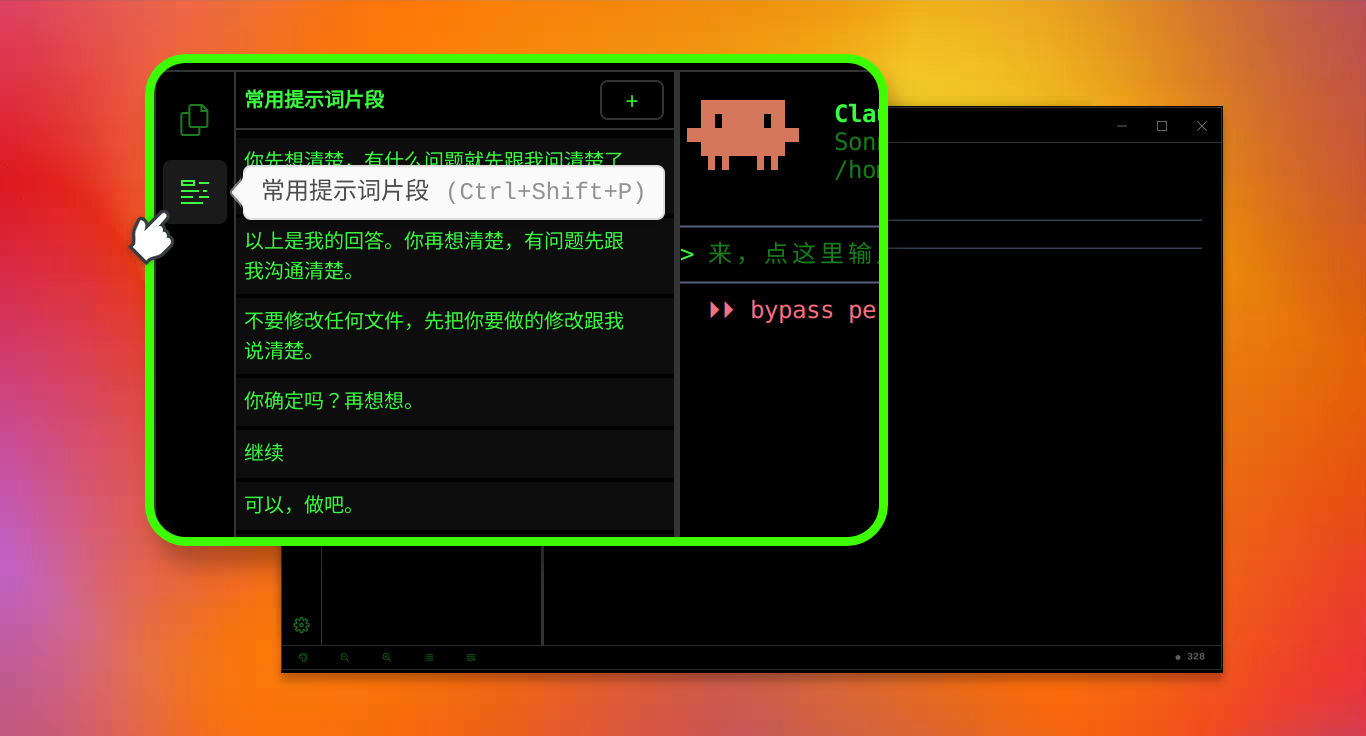
Inside the panel you'll find:
- A set of built-in snippets ready to use out of the box
- Double-click any snippet to insert it into the current task input
- A "+" button in the top-right corner to add your own custom snippets
Think of it as a favorites bar for your most effective prompts.
Why Snippets Matter
Claude Code Isn't "Ignoring" You -- It's Drifting
When you hand Claude Code a task, a lot happens under the hood. A single request can trigger a dozen or more internal reasoning steps, each building on the last. Small misunderstandings compound -- a slight drift early on snowballs into something that, several turns later, feels like Deep Code has completely gone off the rails.
The root cause isn't that Claude Code "won't listen." It's that:
What you have in mind and what Claude Code thinks the plan is start out slightly different, and that gap grows with every reasoning step unless you actively close it.
How Snippets Close the Gap
There are proven techniques for keeping LLMs on track: think through the problem first, verify understanding before acting, preview changes before touching files. But typing these instructions out every time is tedious. When you're in a flow, it's tempting to skip them.
That's the problem snippets solve. Save each technique once, then apply it with a double-click whenever you need it.
The Snippets Panel gives you the lowest-friction way to keep Claude Code aligned with your intent across long, multi-turn tasks.
Three Snippets Worth Using
These three prompts cover the full loop: think first → verify understanding → preview before executing. Add them to your panel and use them habitually.
1. "Sanity Check" -- Think Before Acting
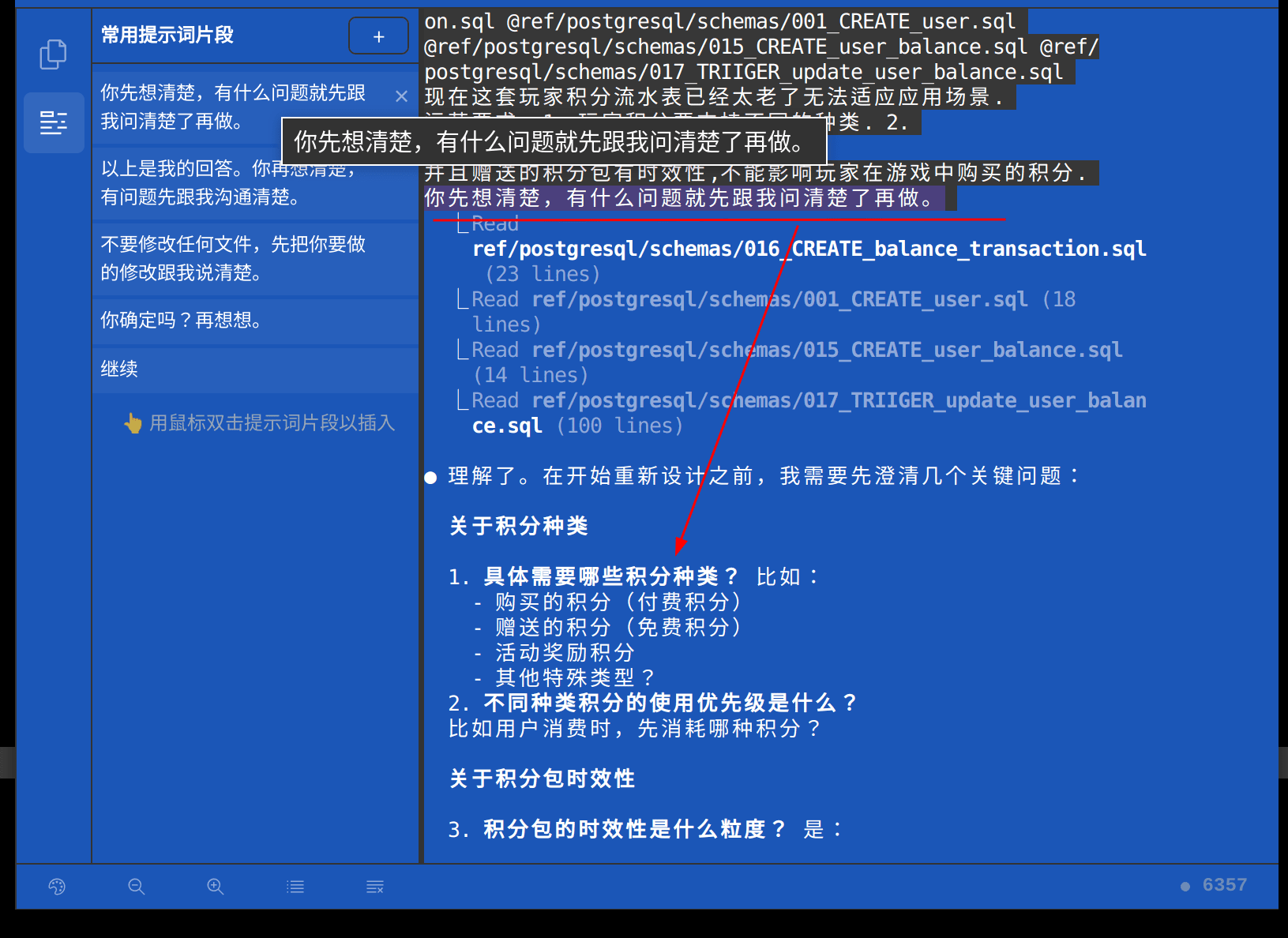
Snippet:
Think it through first. Ask me any questions you have before starting.
When to use it: Starting any non-trivial task -- implementing a feature, refactoring code, running a multi-step workflow.
What it does: Prompts Claude Code to break down the task and surface questions, ambiguities, or gaps before writing a single line of code. It's the equivalent of saying: "Walk me through your plan first."
2. "Confirm and Double-Check" -- Verify Before Proceeding
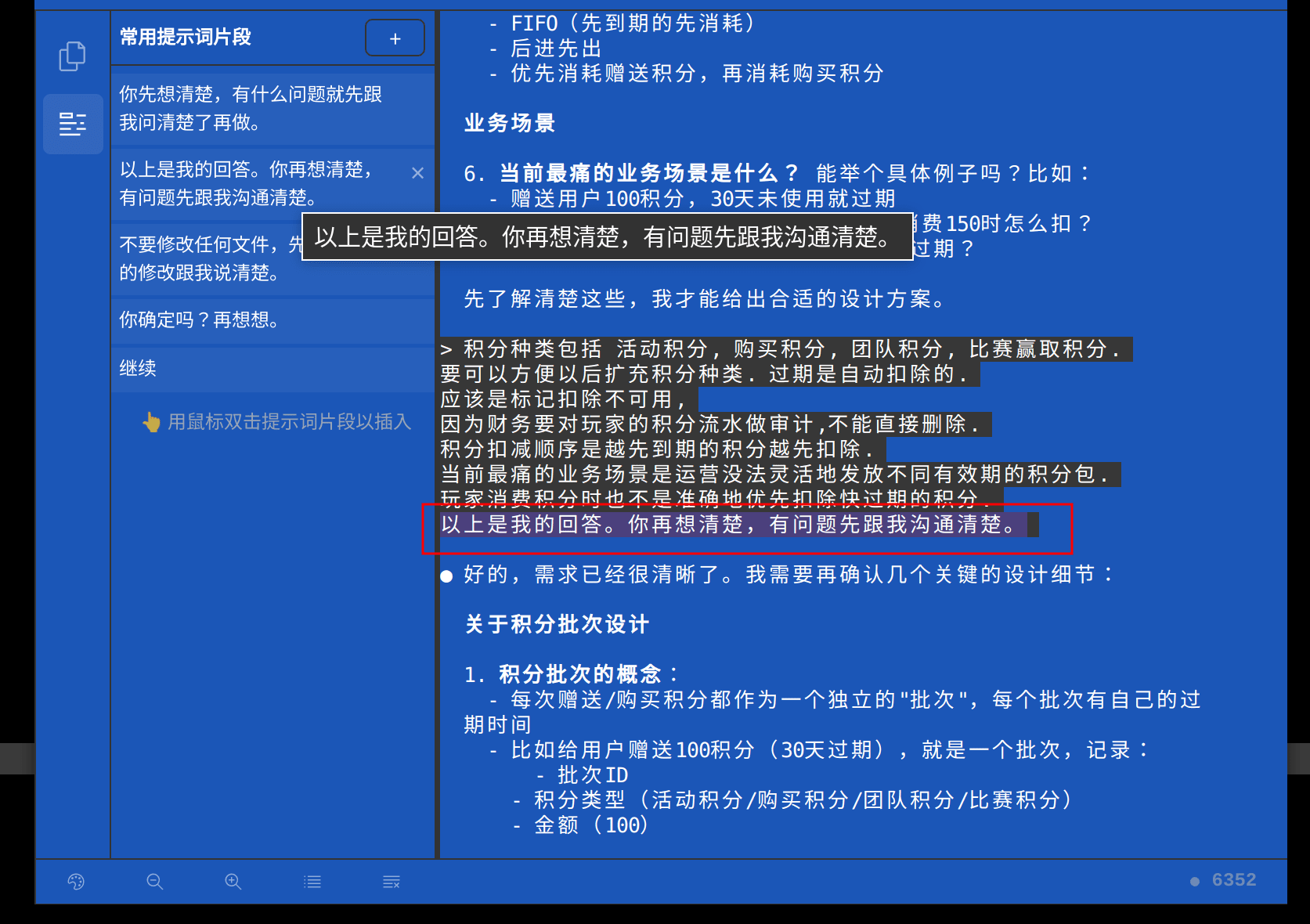
Snippet:
That's my answer. Think it over again. If you have any questions, be sure to discuss them with me first so we can clarify everything.
When to use it: After answering a series of detailed questions from Claude Code, especially for complex tasks where one round of Q&A may not fully resolve ambiguity.
What it does: Tells Claude Code to re-examine your answers, identify inconsistencies or lingering uncertainty, and ask follow-up questions before proceeding. It's an extra round of self-verification -- cheap insurance for complex work.
3. "Dry-Run" -- Explain Before Editing
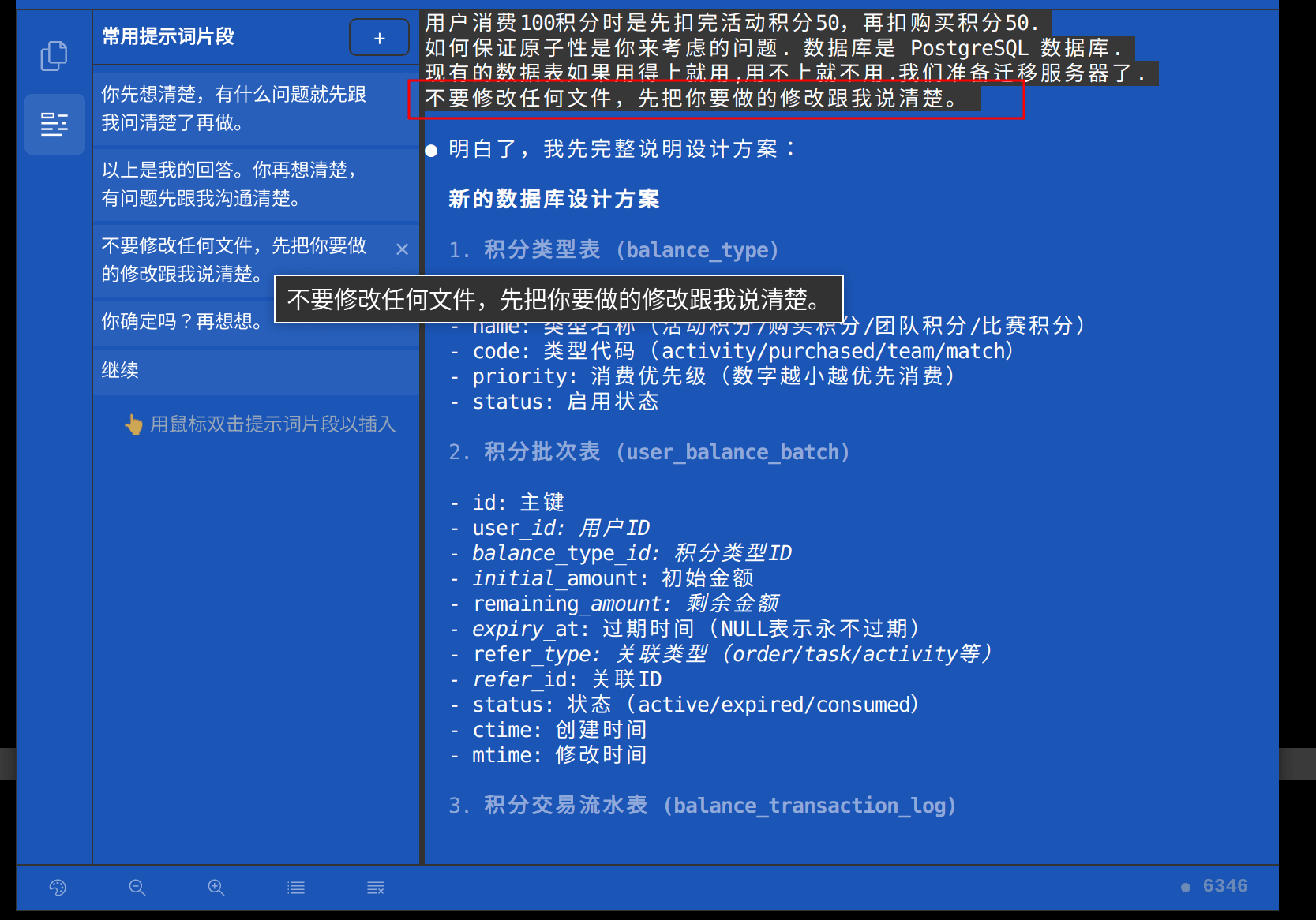
Snippet:
Do not modify any files. First, clearly tell me what changes you intend to make.
When to use it: Right before Claude Code starts making changes across multiple files, when you want to review the plan before anything gets modified.
What it does: Claude Code lays out exactly which files it plans to touch and what changes it intends to make, without modifying a thing. You review, course-correct if needed, then say "go ahead." It's the programming equivalent of reviewing the blueprints before swinging the hammer.
Summary
Treat Claude Code like a skilled teammate: invest a moment to align on the plan, then let them execute. Deep Code's Snippets Panel makes that alignment step effortless -- so there's no reason to skip it.